




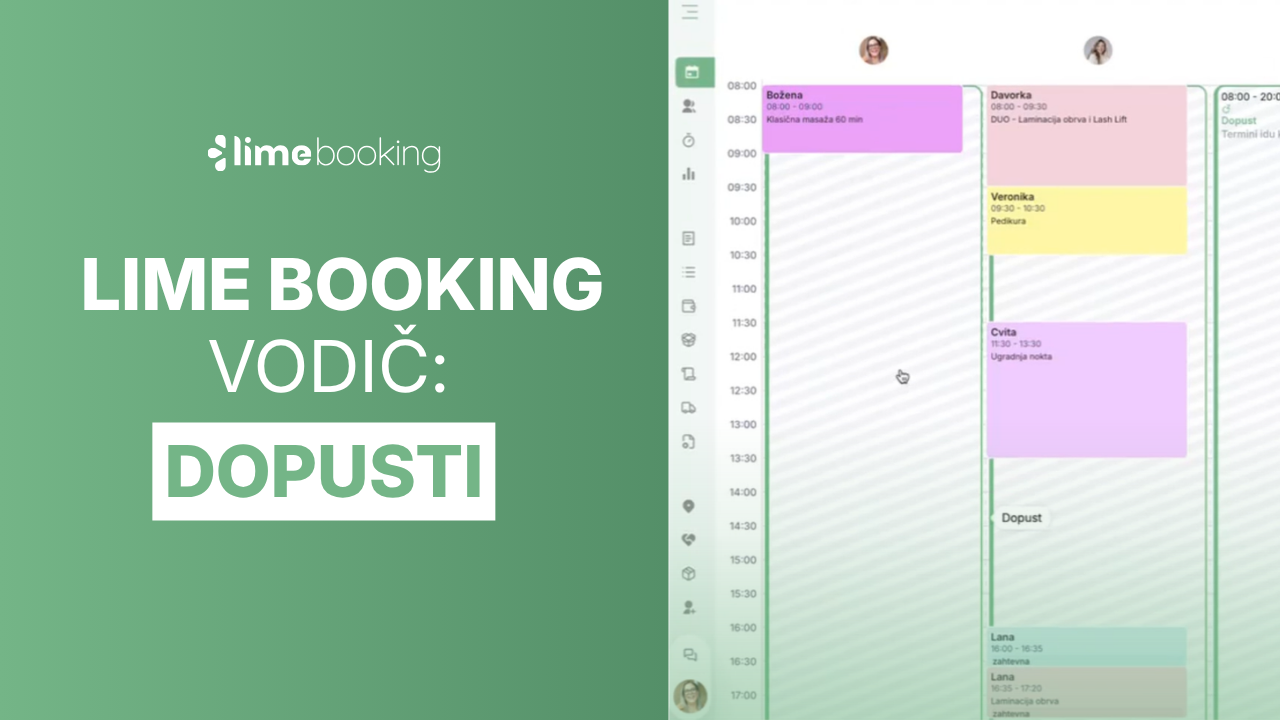
The start of summer brings new updates!

Information - lime booking

In today's blog post, we will introduce a new functionality that allows you to send SMS or email notifications for each custom appointment. We also introduce the ability to add related appointments and edit filters.

1. Sending notifications for a custom appointment

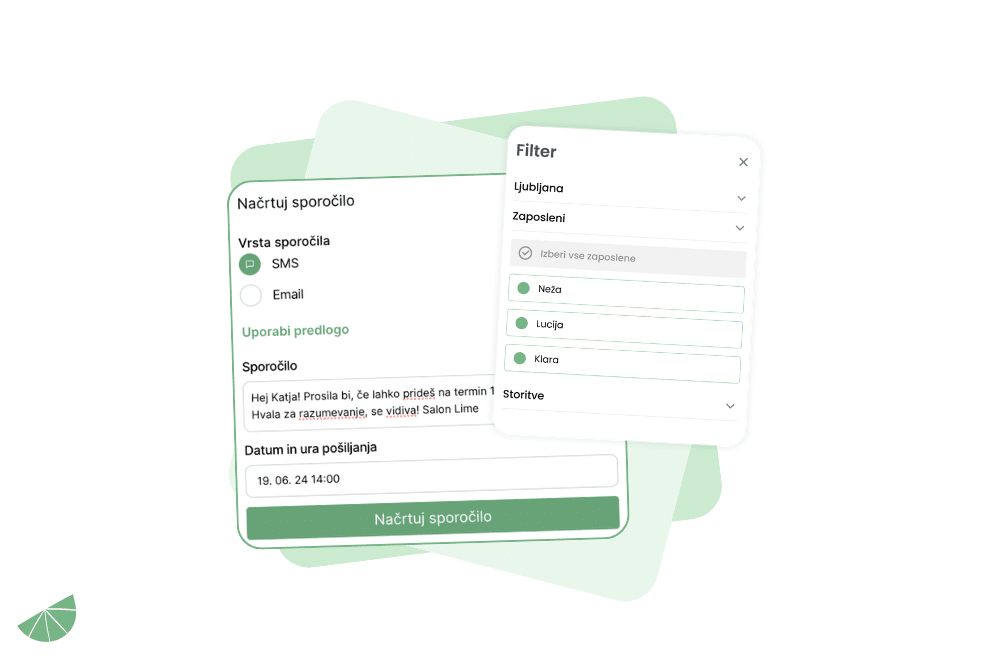
Now you can send your customers customized messages for a specific appointment. Simply click on the customer's existing appointment and select Create a new message.

Then you can choose from the message templates or write your own entirely. Specify the date and time of sending and click the button Plan the message.

To enable the functionality, please contact us at info@lime-booking.com or on the phone number. 040 234 606.

2. Easy addition of related terms

Want to add a service to an appointment that the client already has, but don't want them to receive another SMS notification? Clicking on the existing appointment will bring up button with the + symbol, where you can add a new service.

To confirm, click the button update the data and an additional term for the new service will be created, whereby party for that she will not get it one more notifications.

3. Editing filters

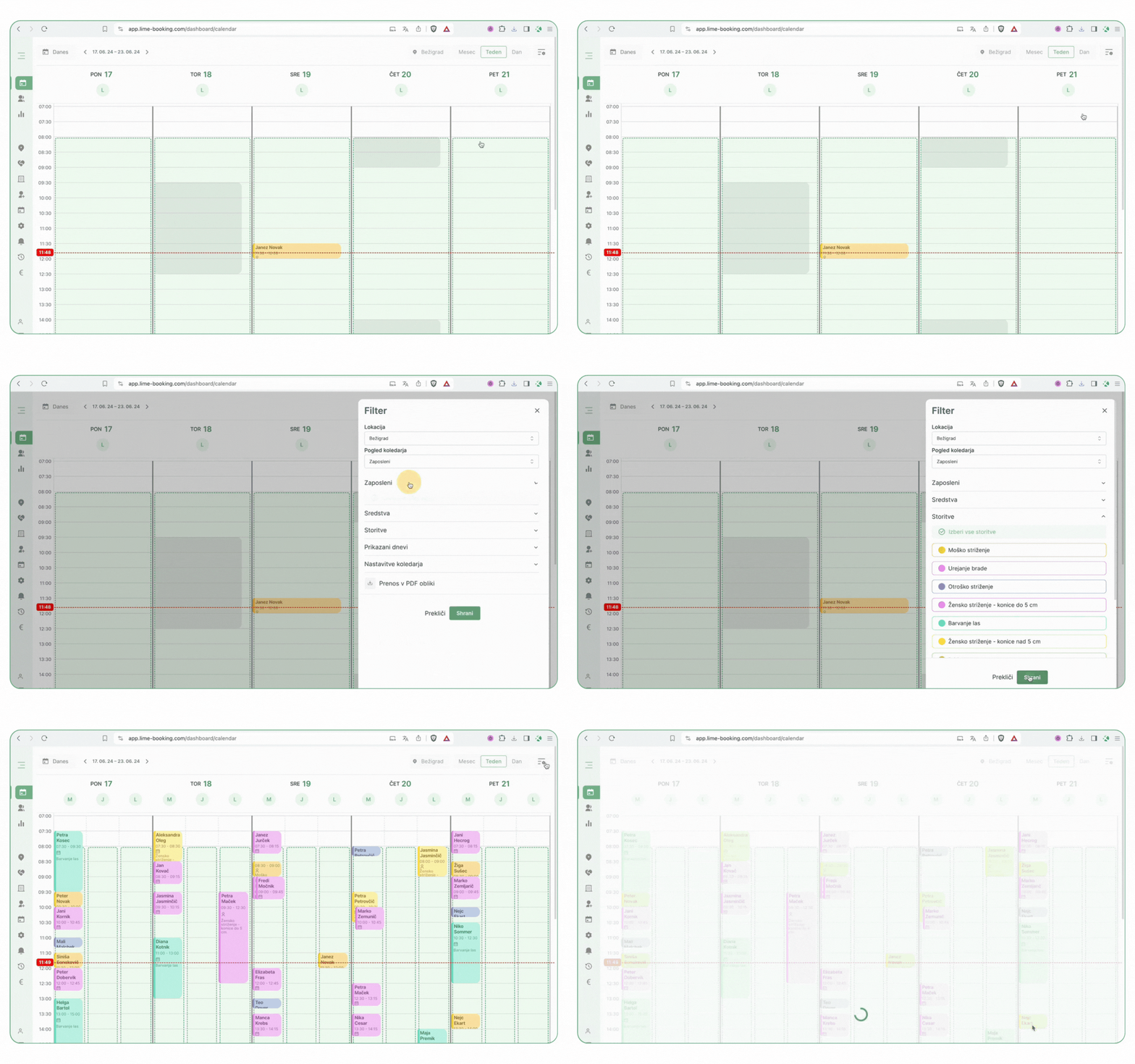
Does it happen to you that you see gray outlines on the calendar where the name of the client, service, and date are not visible?

In this case, you need to check that you have the correct filters turned on that show days, services, employees, and calendar settings.

The Lime Booking team thanks you as always for your use and contribution to the development of the system. We will continue to strive to improve your ordering, management, and customer communication process with regular updates and the addition of new features!

If you encounter any questions while using it, feel free to contact us at info@lime-booking.com or on the phone number. 040 234 606

Picture of Marcel

Marcel

Others publications

Test Lime Booking free!

Online calendar, automatic SMS notifications, online booking and much more – just one click away!