





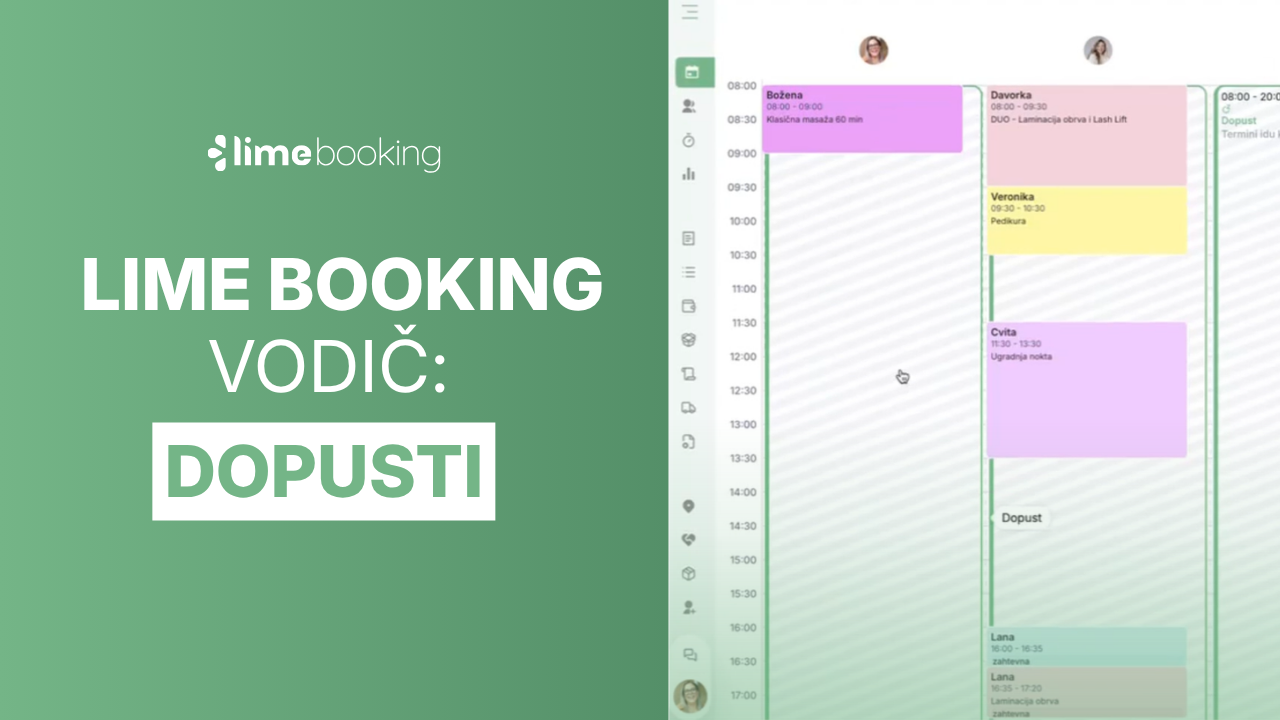
How to add employee vacations in Lime Booking
Summer is holiday season. Learn how to add employee leave in Lime Booking in just a few clicks and automatically block appointments during their absence.

New feature: Waiting list — cancelled appointments are now filled automatically
New Waiting List feature in Lime Booking: clients join the waiting list for a fully booked appointment, and when a spot opens up, the system notifies them automatically. Fewer empty appointment slots.

UNIKAT: Lecturer Edis Osmanović
Join us for an event with Edis Osmanović — barber, entrepreneur and one of the most influential names in contemporary barbering culture in the Balkans.

Lime Events: Why boosting posts on Meta isn’t enough to attract clients
Boosting posts on Instagram but disappointed with the results? Feel like you’re spending money on Meta ads, but new clients are nowhere to be found?

Beauty in Hair Expo 2026 in Zagreb is behind us!
The Lime Booking team visited Beauty & Hair Expo 2026 in Zagreb. Learn more about our stand with free mojitos, a wheel of fortune and the great response from visitors.

Have you already extended your schedules for 2026?
Extend your current schedule or create a new one for 2026, so your clients can book appointments in the new year.
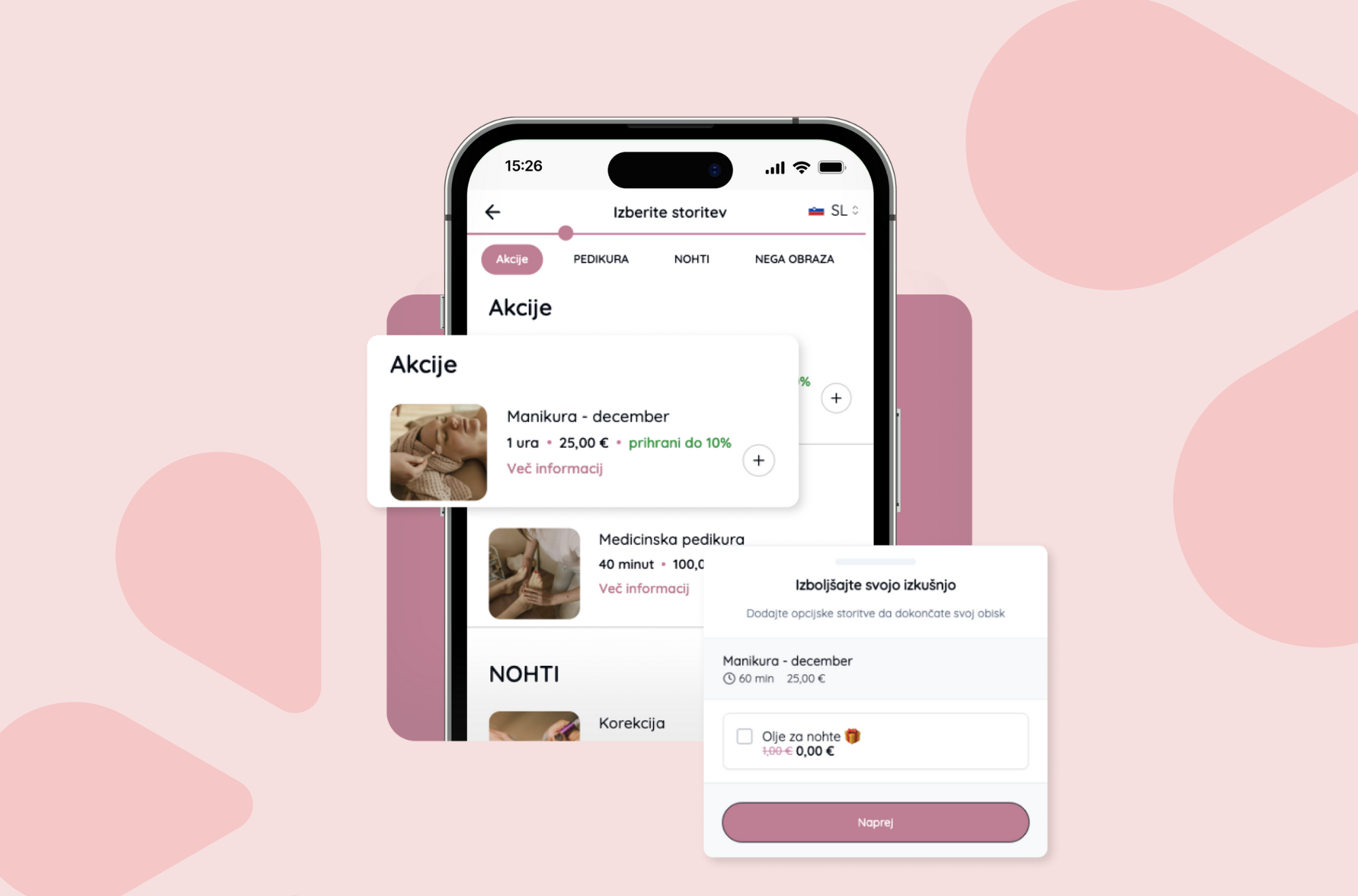
New features for faster work and a better Christmas season!
We’re happy to share a few updates that will make your work easier during the busiest time of the year.
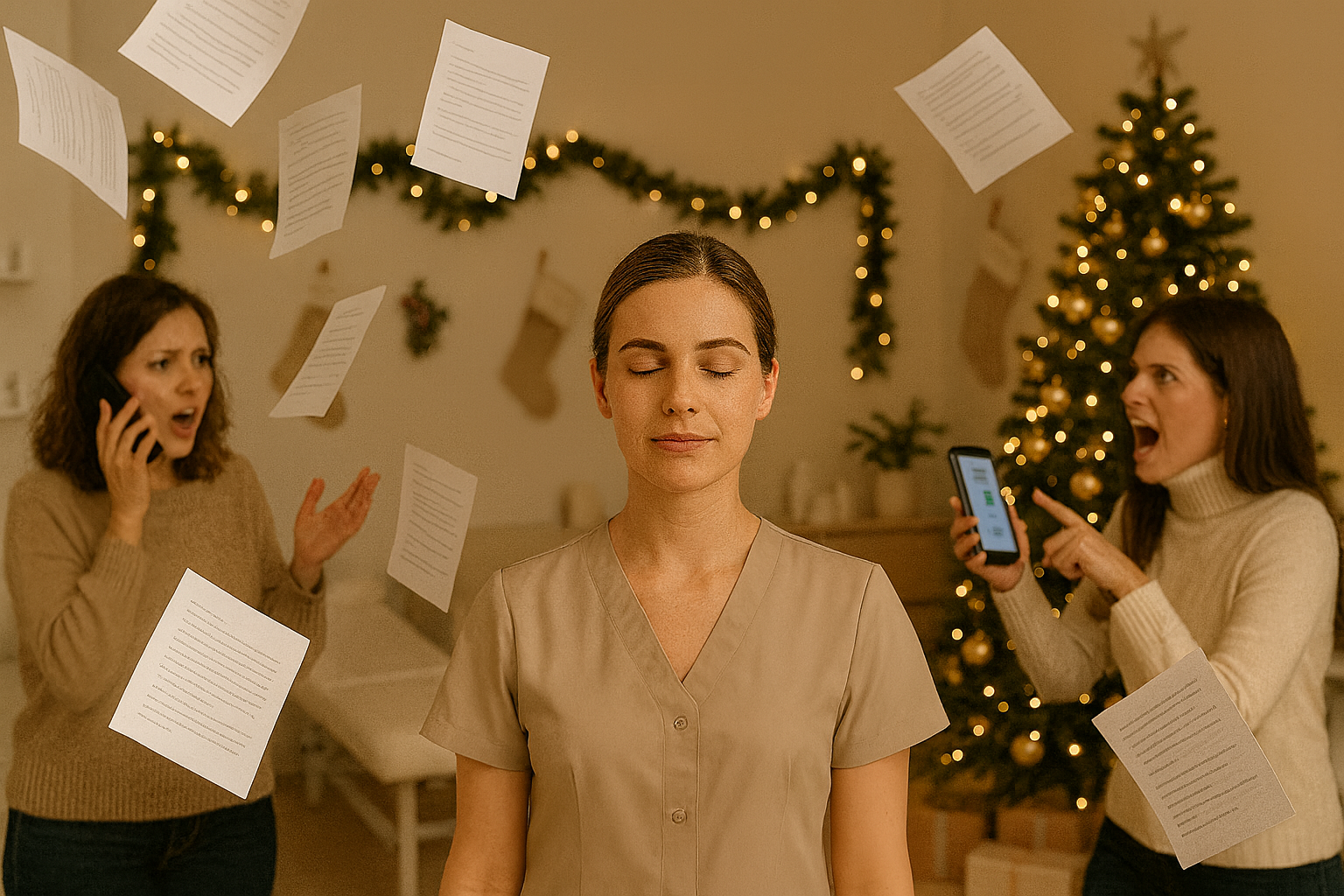
Online booking for salons: 5 steps to a full schedule without cancellations
Discover how online booking for salons, SMS reminders and QR codes can reduce appointment cancellations and fill your schedule.

Forgotten appointment, lost revenue – unless you have a reminder
Do clients forget their appointments? With automatic SMS reminders, Lime Booking helps prevent no-shows, saves time and keeps your schedule full.