









Tips
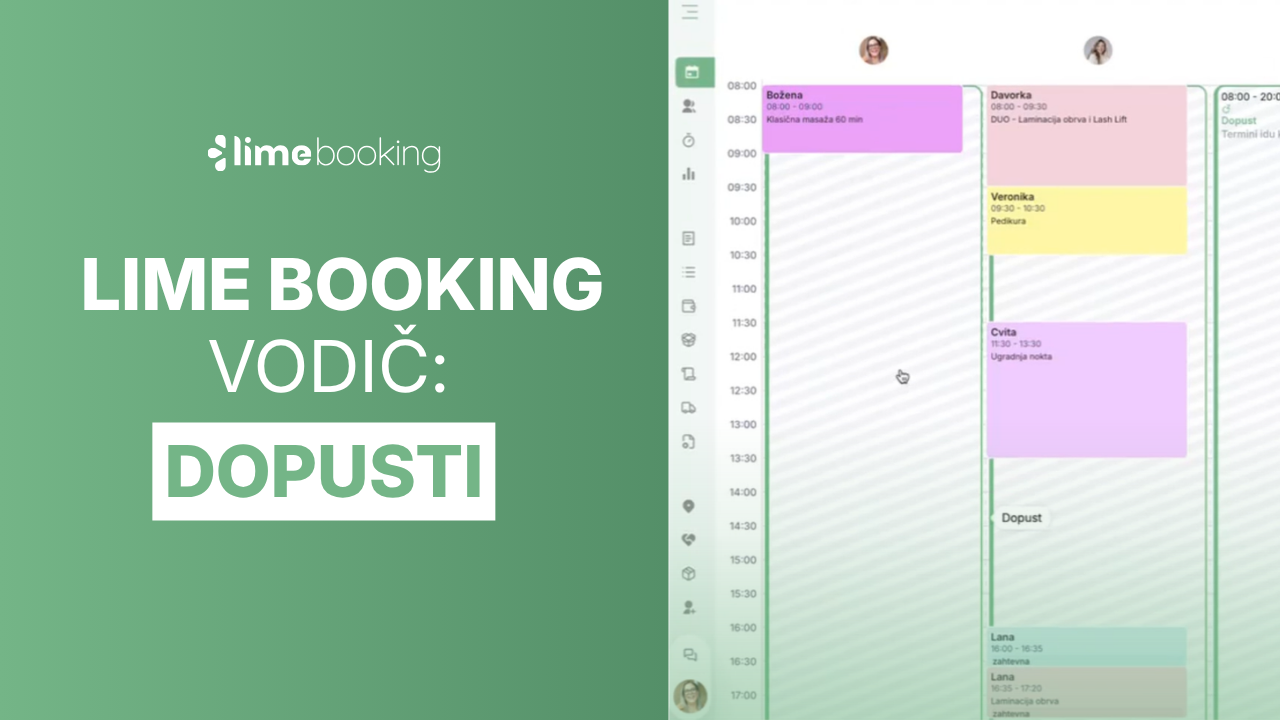
How to add employee vacations in Lime Booking
Summer is holiday season. Learn how to add employee leave in Lime Booking in just a few clicks and automatically block appointments during their absence.

Notifications
New feature: Waiting list — cancelled appointments are now filled automatically
New Waiting List feature in Lime Booking: clients join the waiting list for a fully booked appointment, and when a spot opens up, the system notifies them automatically. Fewer empty appointment slots.

Lime Events
UNIKAT: Lecturer Edis Osmanović
Join us for an event with Edis Osmanović — barber, entrepreneur and one of the most influential names in contemporary barbering culture in the Balkans.